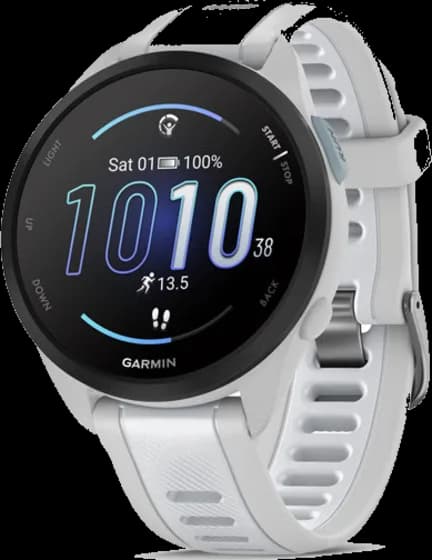
Connect Fitbit on iPhone
First, check that a recent night from your Fitbit appears in Google Health.
Find Fitbit in Vora
Open Vora, then Settings, Connections and Fitbit.
Connect with Google
Pick the Google account you use in Google Health and review the permissions you want to share.
Compare the same night
After the import starts, open Sleep in Vora and verify the date and the source.
Share Fitbit data through Apple Health
Google Health can write supported Fitbit records to Apple Health on iOS 16.4 or later. In Google Health, open Connections, then Apps and services, and choose Apple Health. Allow Vora to read the categories you share.
For Fitbit overnight HRV and skin temperature where your device supports them, use the direct connection. Compare the same date after changing routes.
Bring yesterday into this morning
Look at your sleep and recovery beside the Vora workout and meal logs from the day before. If a pattern shows up across multiple nights, use it as context for today’s plan or ask the coach to walk through the records with you.
Common questions
Can I use Fitbit Air with Vora on iPhone?
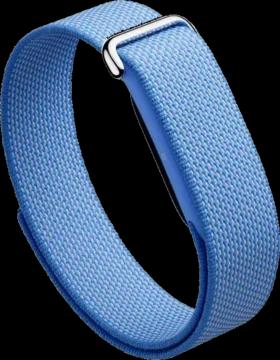
Yes. Sync the band to Google Health, then use Vora’s direct Fitbit connection on iPhone. Google Health can also share some Fitbit records with Apple Health.
Will my Fitbit and Vora Recovery scores match?
Vora calculates its own Recovery score from supported underlying records. Check the dates, sleep and heart readings if the apps give you different views of the same night.