Connect Garmin on iPhone
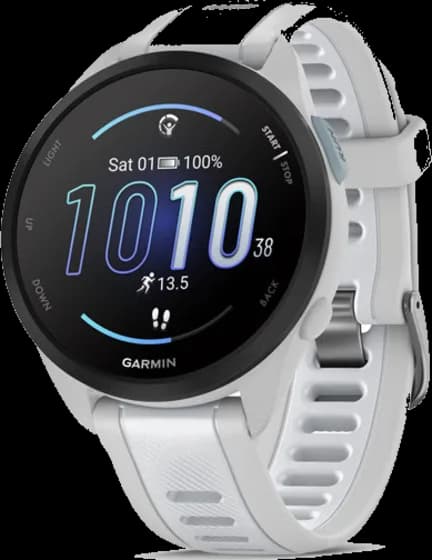
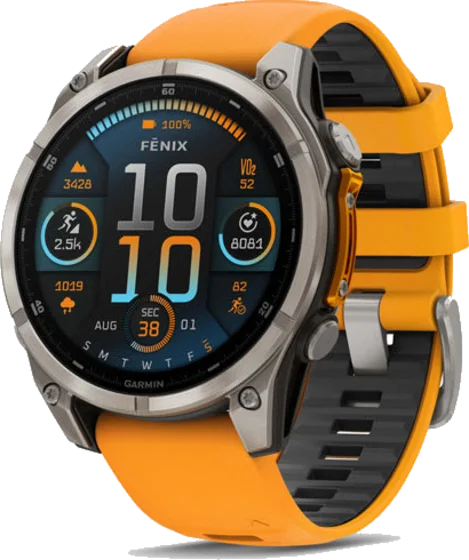
Sync your watch with Garmin Connect and confirm that a recent run or night is visible.
Find Garmin in Vora
Open Vora, then Settings, Connections and Garmin.
Sign in to Garmin Connect
Choose what you want Garmin to share.
Match one record
Check a recent run or night in Vora and confirm its source and date.
Share Garmin data through Apple Health
In Apple Health, open your profile, then Apps and Connect. Allow Garmin Connect to write the categories you need. In Vora, enable Apple Health and allow the same categories.
Garmin says the relay writes data while Garmin Connect is open during a successful device sync. For Garmin overnight HRV, start with the direct connection.
See the run, the night and the food around it
Choose a day with a Garmin workout and a Vora meal or strength session. The additional context is useful when you want to see what you actually did around a good or difficult training day.
Common questions
Does Garmin Connect still handle my watch on iPhone?
Yes. Garmin Connect receives records from the watch and shares the data you allow. Vora combines those records with the workouts and meals you log.
Can I see WHOOP-style recovery using Garmin on iPhone?
Vora can calculate its own Recovery score with supported Garmin sleep, overnight HRV and resting heart rate. Garmin Connect remains the place to see Garmin’s Training Readiness.