



Start with the device you own
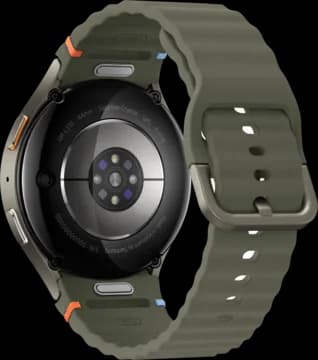
A Galaxy Watch sends data to Samsung Health. Other devices use their own companion apps. Health Connect is one way those apps can share records with Vora.
The connection matters. A watch can measure something without sharing it with another app. Check the route and the data you need before buying another device.
Put food next to activity
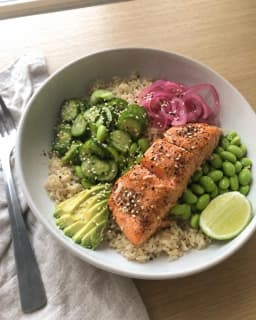
Log breakfast, a gym session, and the foods you eat often. Basic barcode scanning is free. You can use food logging without connecting a wearable.
Wearable data gives your coach more context. Ask about the patterns in your own sleep and activity, or use Vora to help plan a workout.
Get connected
Install Vora on your Android phone. Sync your wearable with its own app first, then connect the data you want to share.
Check the source app
Make sure today’s data appears in the app that came with your wearable.
Choose your connection
Use the device connection offered in Vora, or set up Health Connect on your phone.
Check the first sync
Open Vora and check a recent record, such as last night’s sleep. If it is missing, check permissions at each step.
A phone app that works with your tracker
Vora on Android runs on your phone. Connecting a Wear OS watch through its companion app does not mean you need to install Vora on the watch.
Features and available history depend on your connection, permissions, device, and app version. Check the current plans for Free and Pro features.
Common questions
Do I need an iPhone or an Apple Watch?
No. Vora has an Android app. Use an Android-compatible wearable and a supported connection, or start with food and workout logging.
Can I use Vora without Bevel?
Yes. Vora is a separate app. You can connect your supported health data and use Vora without a Bevel account.
Can I connect a Galaxy Watch?
Galaxy Watch records can reach Vora through Samsung Health and Health Connect. The Samsung setup guide explains that path and what to check if a record is missing.